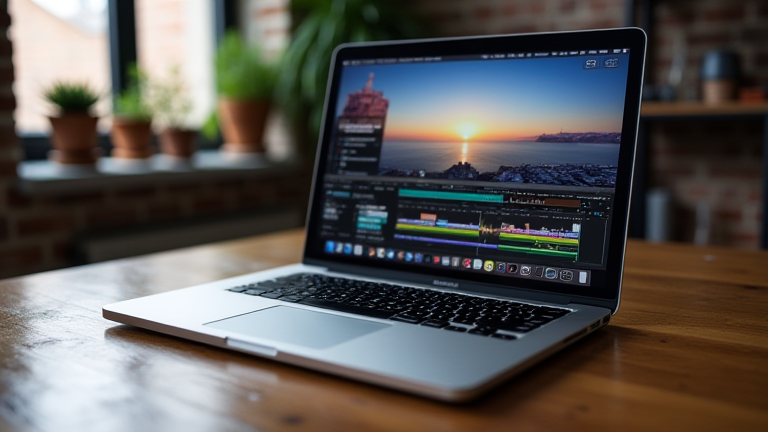
TL;DR: The MacBook Pro M4 is the premier choice for video editors due to its unmatched single-core performance and unified memory architecture. It delivers silent, sustained render speeds that outclass traditional Intel and AMD counterparts in professional workflows.
The New Standard in Creative Computing
The release of the M4 chip has fundamentally shifted the landscape for creative professionals. Video editing is no longer just about raw processing power; it is about sustained performance under load, thermal efficiency, and seamless integration between hardware and software. Apple’s latest silicon achieves a balance that competitors struggle to match. The M4 Pro and Max variants feature significantly improved ray tracing cores and neural engines, which are critical for real-time effects and AI-driven tools like object tracking and background removal. This means editors can preview complex timelines at full frame rates without stuttering, a feature that was previously reserved for high-end desktop workstations.
Specs That Matter for Post-Production
The unified memory architecture is the standout feature for video editors. Unlike discrete graphics cards that require data to be copied between system RAM and VRAM, the M4 allows the CPU and GPU to access the same high-bandwidth memory pool. This eliminates bottlenecks when handling 8K RAW footage or multiple 4K streams simultaneously. The base configuration starts with 16GB, but the ability to scale up to 128GB on the Max chip makes it a viable replacement for traditional editing suites. Furthermore, the Liquid Retina XDR display offers true 1000-nit peak brightness for HDR content, ensuring that color grading decisions are accurate without needing an external reference monitor. The battery life also remains exceptional, allowing editors to work on location without tethering to a power outlet, a significant advantage over Windows-based laptops that often throttle performance when unplugged.
Industry Impact and Future-Proofing
The industry impact of the M4 is profound. It has accelerated the adoption of Apple silicon in professional post-production houses worldwide. Studios are now standardizing on MacBook Pros for color grading and VFX because the consistency of the ecosystem reduces setup time and compatibility issues. The integration of Final Cut Pro and DaVinci Resolve with the M4’s media engines results in near-instantaneous export times for ProRes codecs. As AI becomes more central to video workflows, the neural engine’s capability to process prompts for generative fill and upscaling positions the M4 as not just a current leader, but a future-proof investment. For editors seeking a single device that handles editing, color, audio, and motion graphics with equal ease, the MacBook Pro M4 sets a new benchmark for portability and power.
FAQ
Q: Is the M4 better than Intel for 4K editing?
A: Yes, the M4 is significantly faster and more efficient for 4K and 8K editing, offering better thermal management and longer battery life without performance drops.
If you want to dig deeper, check out our guide on Porcelain Home Decor Tutorial: DIY Vases & Decor Ideas.
Q: Can the MacBook Pro M4 handle DaVinci Resolve?
A: Absolutely, DaVinci Resolve is fully optimized for M4 chips, utilizing the unified memory and GPU cores for accelerated color grading and node-based compositing.
Q: Does the M4 support external monitors well?
A: Yes, both the M4 Pro and Max chips support multiple high-resolution external displays, making it ideal for multi-monitor editing setups in professional environments.
Leave a Reply